
Podiatric
Treatments

Warranty
2 years

Control buttons
5 motors

Integrated
roller holder
Integrated
roller holder

Available option
Control pedals
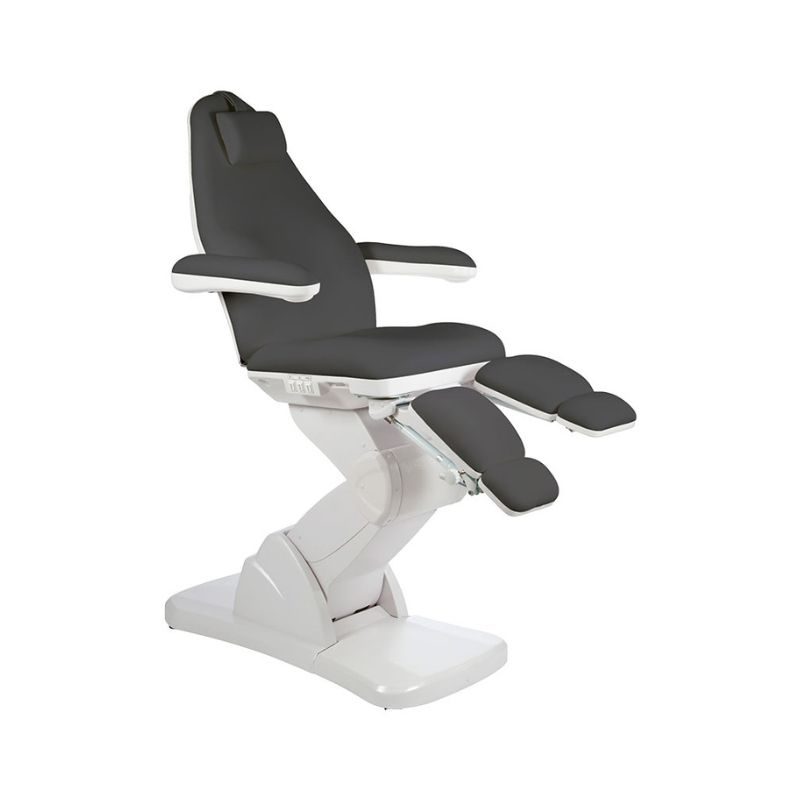
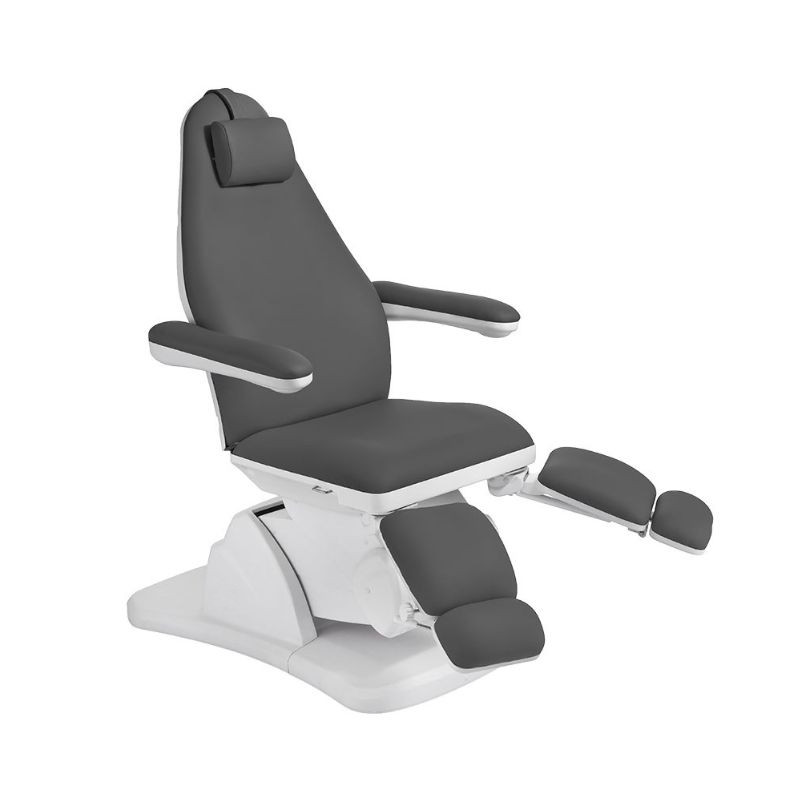
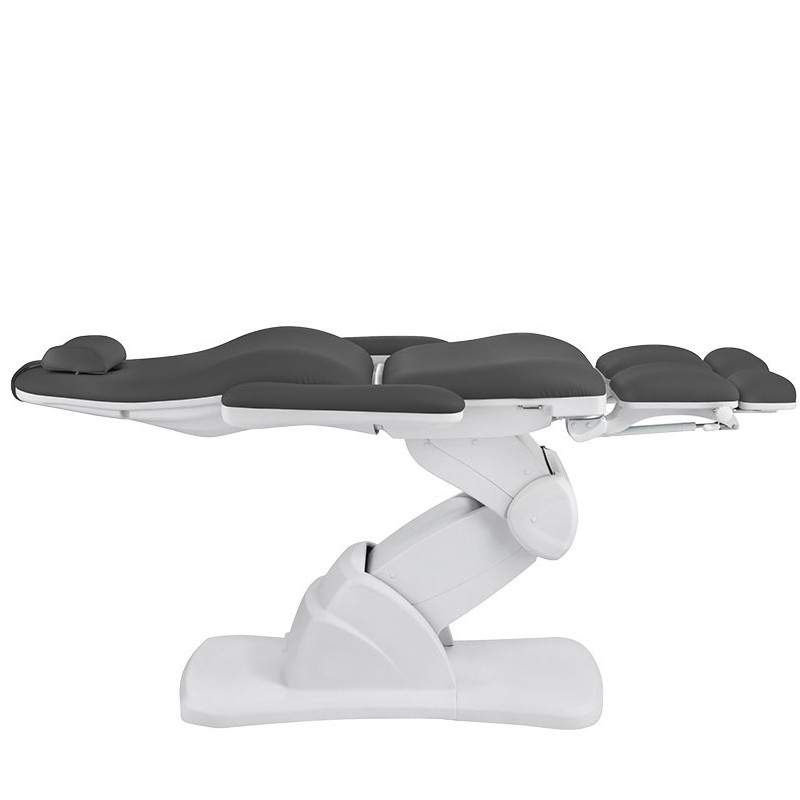
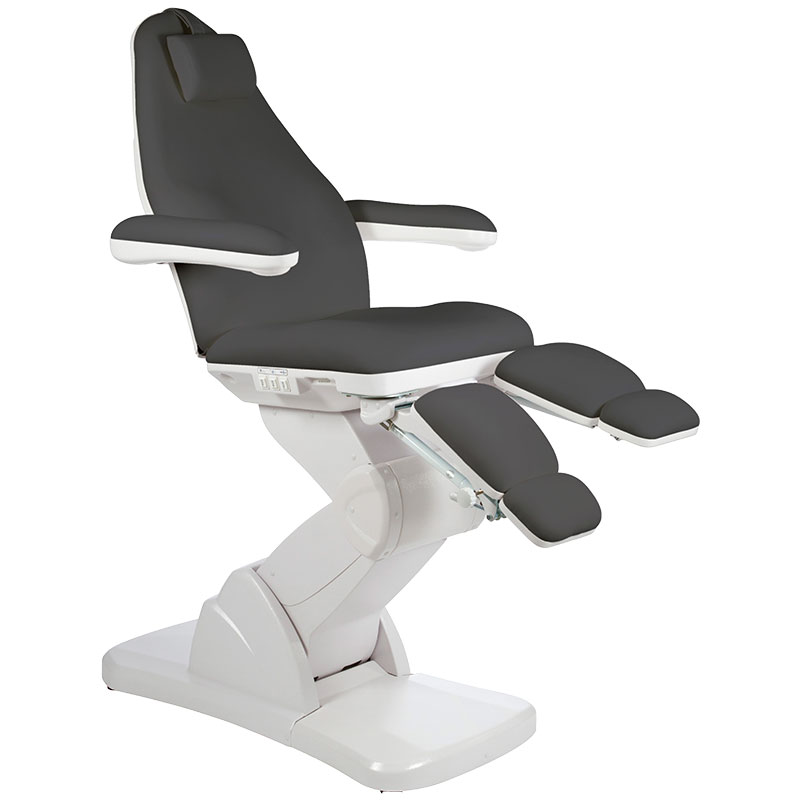
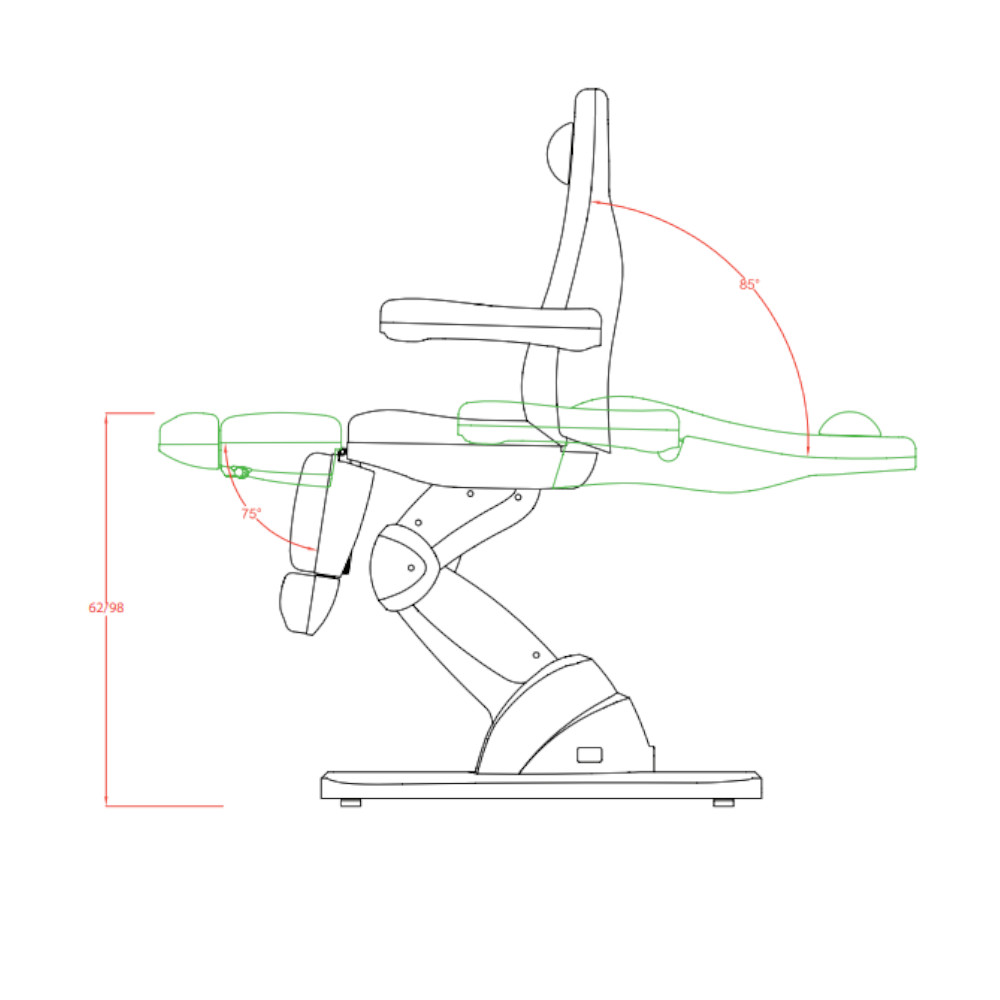
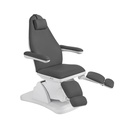
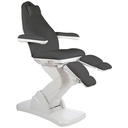
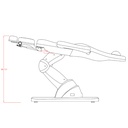
The high-end podiatry chair NS6732C is a must-have for professionals demanding in terms of comfort and functionality. Equipped with 5 advanced motors, this chair offers precise control of seat and leg rest height as well as backrest and seat tilt, ensuring optimal comfort for your patients. The foldable armrests and removable headrest cushion with face hole guarantee accessibility during treatments. Additionally, the rotation of the leg rests is independently adjustable by gas spring up to 90°. The buttons integrated in the backrest, footrest, and seat allow total movement control from any point of the chair, offering easy and precise handling for an optimal user experience. Its seamless high-quality PU upholstery makes this chair elegant and easy to clean, thus ensuring a clean and hygienic environment for patients. Control pedals are optionally available for this chair to operate the 5 motors.
Dimensions and structure
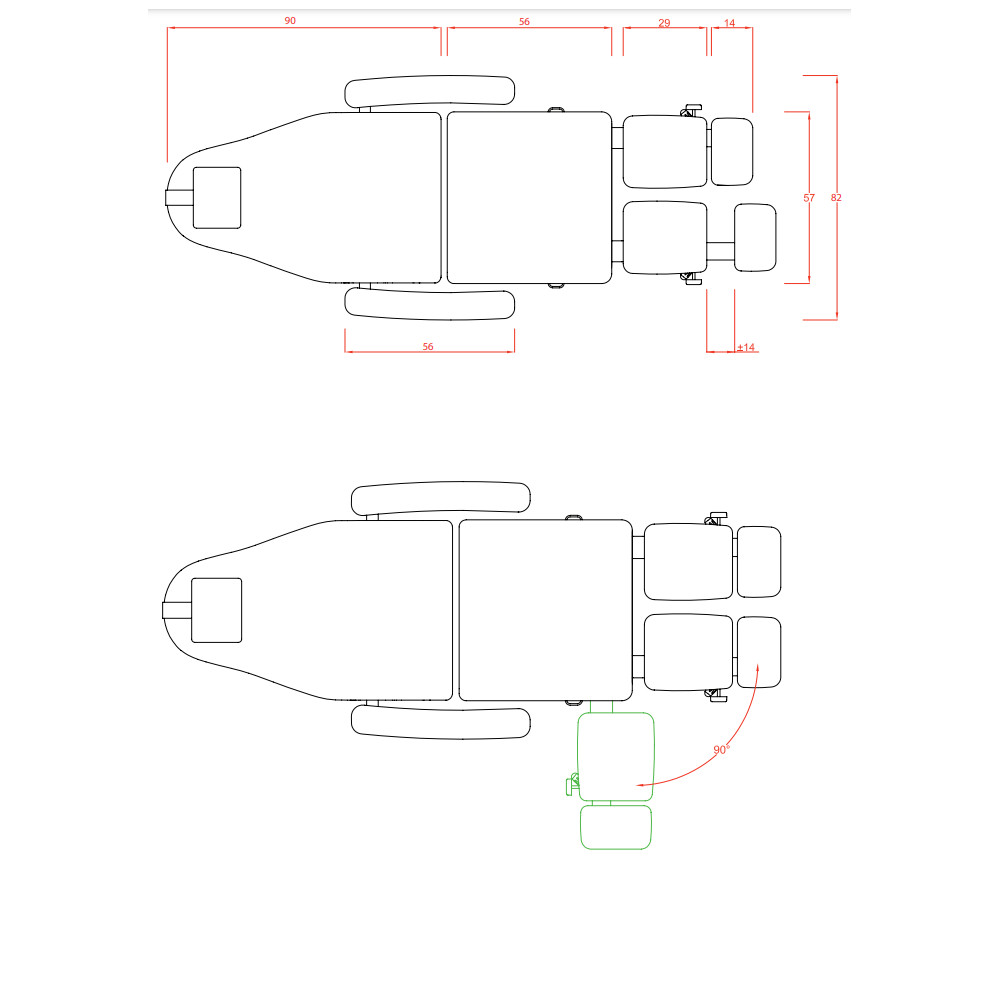
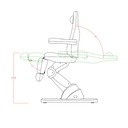
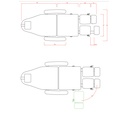
Length: 190cm
Width: 57cm without armrests / 82cm with armrests
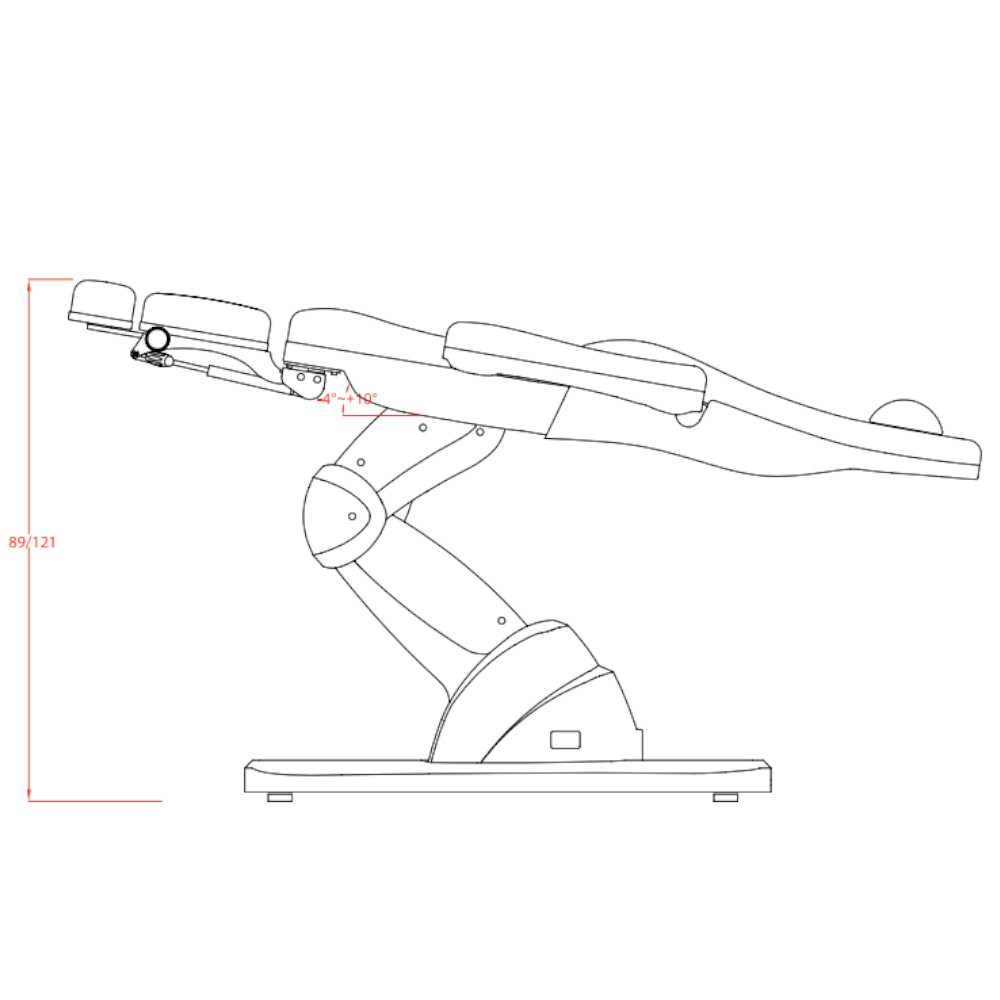
Height: Adjustable from 62cm to 121cm
Backrest: Tilt from 0° to 85°
Seat tilt: -4° to +10°
Leg rest: Tilt from 0° to 75° / Extension ±14cm / Rotation 90°
Net weight: 82kg
Maximum load: 180kg
Material: Dark grey PU
Integrated elements
Facial cavity with removable plug
Removable headrest cushion
Control panels on the backrest and seat for 5-motor control
Integrated roll holder
Double removable armrests
Gas springs for leg rest inclination (90°)
Features
Height adjustment
Backrest tilt
Footrest tilt
Lower leg part extension
Leg part rotation
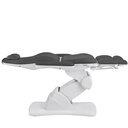
Horizontal position
Hygiene and comfort